 |
 |
 |
 |
 |
 |
 |
|||
 |
|||||||||
|
Features available
|
|||||||||
|
|
|
|
|
|
|
|||
|
|||||||||
|
Features available
|
|||||||||
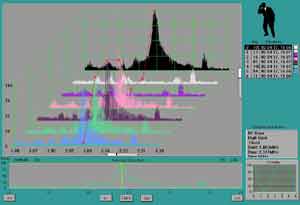
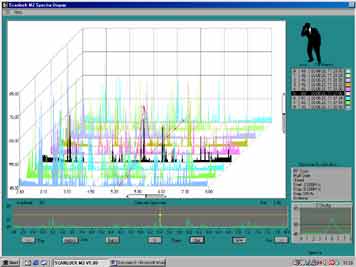
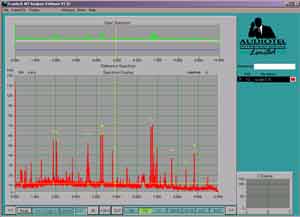
Computer control and visual presentation of scan information makes a number of features more practical and usable:
• Continuous scanning - Scanlock can be left unattended to collate scan information over time. Peak Hold mode is particularly useful presenting the highest signal amplitude for each frequency over the time period.
• Reference scans - An RF scan for a location can be used as a reference against which subsequent scans can be compared. Difference mode quickly shows new or missing RF signals that could be bugs.
• Remote Control - The RF activity across the spectrum 0-5Ghz is presented in a single screen view, areas of high RF activity are immediately obvious - dragging a cursor to points of interest in a scan automatically tunes an attached Scanlock to the specified signal frequency allowing you to, hear and record the signals.